
Hold your hotkey. Speak. Release.
Your words appear where the cursor is.
Dictation that works in every app, processed entirely on your computer. No account. No cloud. No subscription.
Faster than typing.
Simpler than a platform.
Holdline lives in your system tray and does exactly one thing, instantly.
Hold
Press and hold your hotkey (Ctrl + Space by default) in any app — email, docs, chat, code, browser.
Speak
A thin line of light appears above your taskbar and rides your voice, so you always know it hears you.
Release
Your words are typed at the cursor — punctuated, capitalized, filler words removed if you like.
“Nothing leaves your machine. Nothing is stored. Nothing to configure.”
Every feature earns its place.
Instant capture
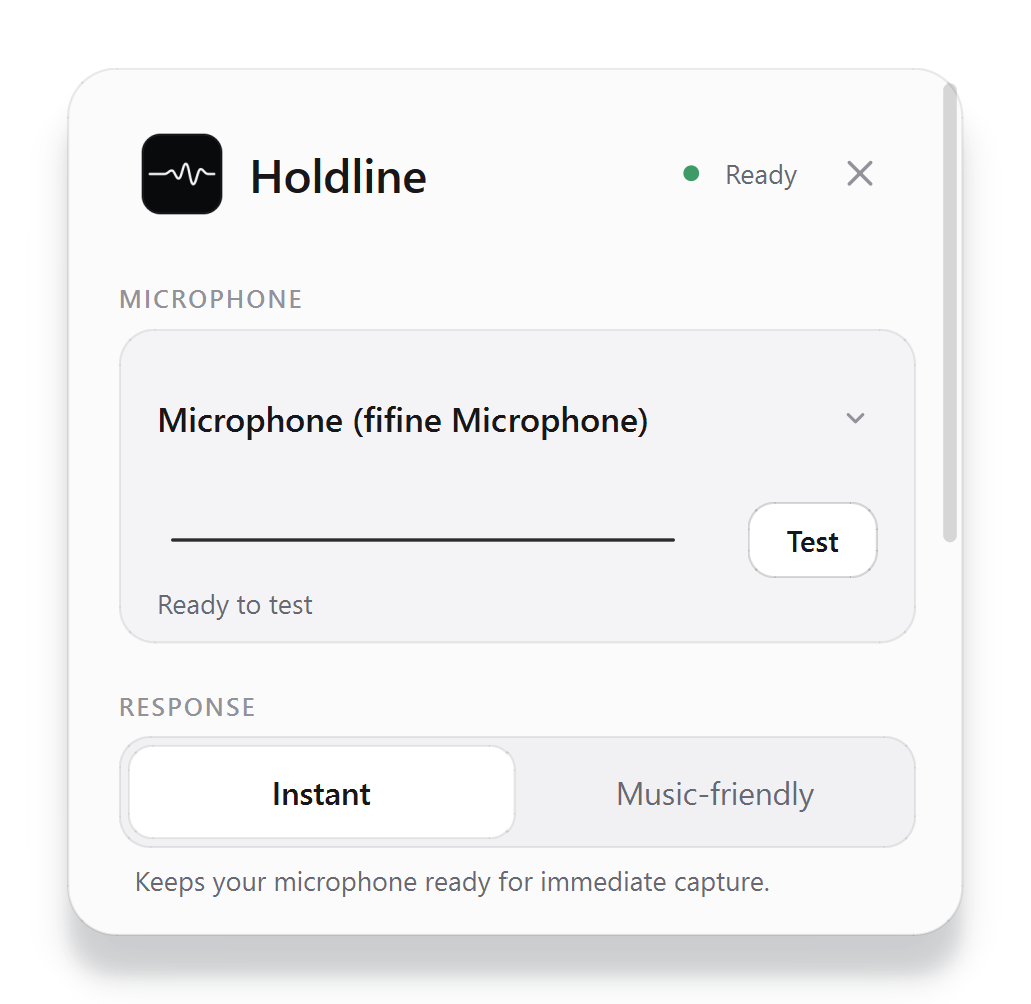
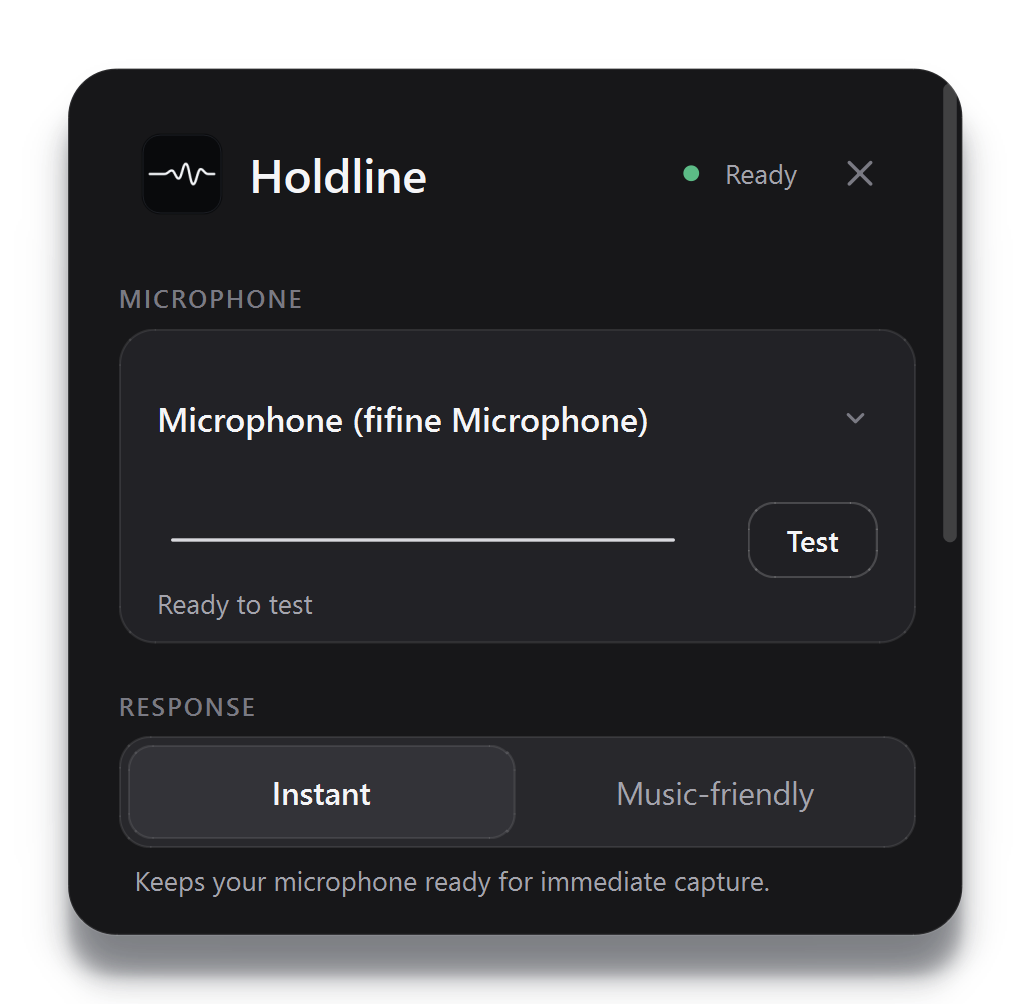
The microphone stays warm, so the first word is never clipped. Bluetooth headphones? Music-friendly mode releases the mic between dictations.
Custom words
Teach it names, brands, and jargon — capitalization preserved, stored locally, never uploaded.
Your hotkey
Ctrl+Space by default; change it to any combination. Release to type, Esc to cancel, re-paste the last dictation anytime.
Accuracy, your call
Automatic picks the best model for your hardware. Choose Fast for quick notes or Accurate for difficult speech.
Windows-native
A real tray utility — light and dark mode, high-DPI, reduced-motion support. Not a web app in a window.
Works everywhere
Types directly into whatever has focus, without touching your clipboard or clipboard history.
Trust, earned the boring way.
No testimonials from people you can't verify. Just claims you can test and policies you can read.
Verify it yourself
Turn Wi-Fi off. Dictation keeps working, because the speech model lives on your machine. The privacy claim is a ten-second experiment, not a paragraph in a policy.
A real person answers
Holdline is built by one engineer, not a growth team. support@getholdline.com reaches the person who wrote the code.
Policies written before sales
Plain-language privacy, terms, security, and refund pages — published before the Store listing opens, not after something goes wrong.
Nothing hidden in the box
Every third-party component ships with its license inside the app, and the security page lists exactly what Holdline writes to disk: your settings and your custom words. That's the whole list.
Buy once. Keep forever.
The planned Store offer is one price, every feature. Public sales open after the hardware beta.
- Full app, every feature
- Bundled speech model — no downloads
- Updates delivered by Microsoft Store
- No account required, ever
- Planned 7-day Store trial
Requirements: Windows 10 or 11 (64-bit), any microphone, 8 GB RAM recommended. Runs locally on ordinary Intel and AMD CPUs.
Fair questions, straight answers.
Does my voice really never leave my computer?
Really. The speech model is bundled inside the installer and runs locally. Dictation works with your network cable unplugged. Audio and transcripts are never saved — the only things Holdline writes to disk are your preferences and any custom words you add.
How is this different from Wispr Flow, Dragon, or Windows dictation?
Holdline is deliberately narrow: one hotkey, local English transcription, and direct typing into the active app. It does not require an account or a cloud speech service. The proposed launch price is $29 once.
How does the free trial work?
A 7-day Microsoft Store trial is planned for launch. Trial availability and regional terms will be confirmed on the Store listing before sales open.
Is there a Mac version?
It's in development — same idea, same privacy: hold a key, speak, release, all on-device. The beta is Windows-first; macOS follows. If you're on a Mac, join the beta list and say so, and you'll be first in line when it's ready.
What languages does it support?
Holdline v1 is tuned for English for the lowest latency. More languages are on the roadmap.
Do I need a powerful computer?
No. Holdline picks an appropriate local model and runs on ordinary Intel and AMD CPUs. The hardware beta will establish the final minimum and recommended specifications.
What about refunds?
Microsoft Store purchases follow the Store's return process and applicable law. Read the refund policy before buying.